Product description:
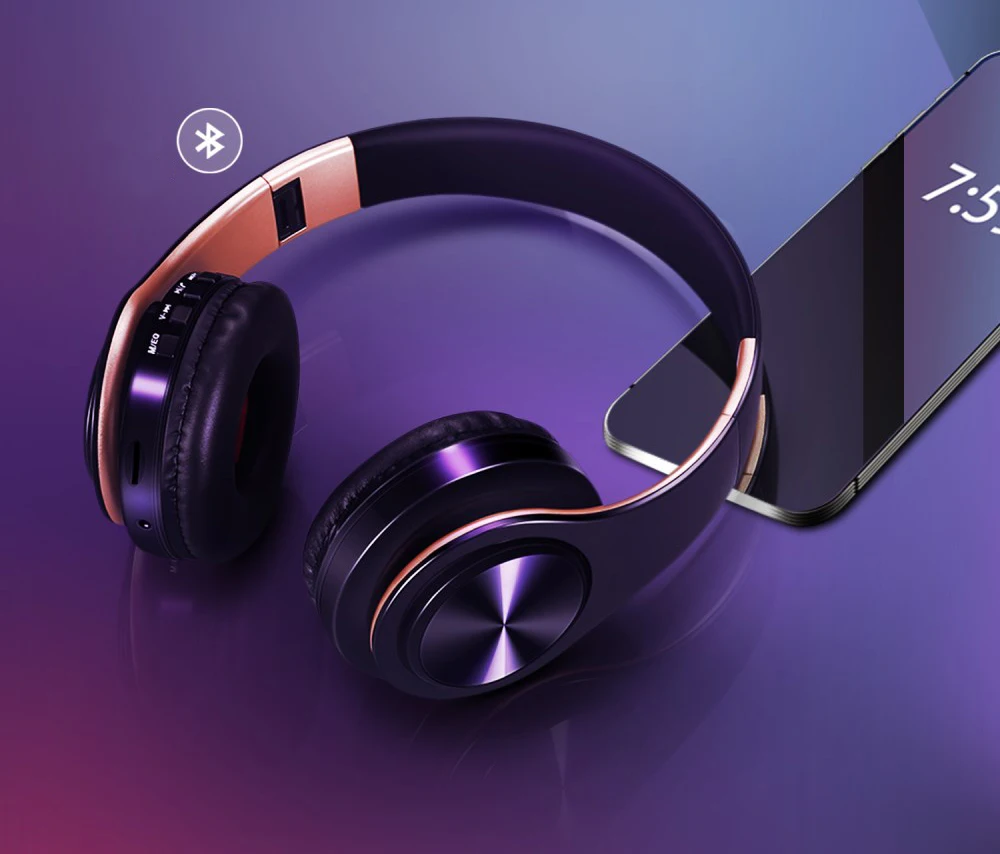
1. Bluetooth V5.3 + MP3 function+ FM Radio support stereo music playing, phone calling...
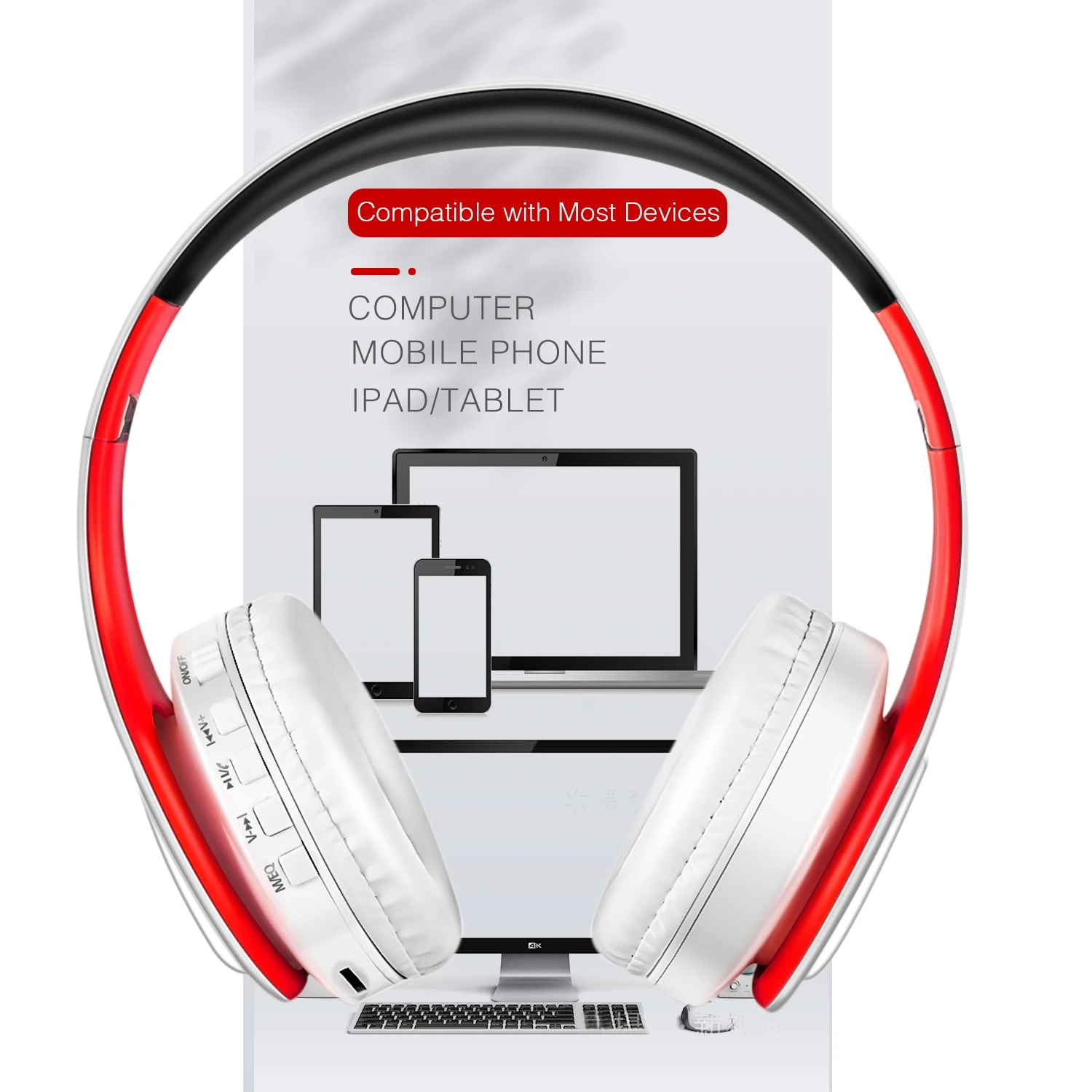
2. Support all audio devices that have Bluetooth capability, such as, cell phone ,tablet PC,laptop,computer etc.Voice
control the mode,big press buttons for easy operation of the headphone
3. 3.5mm audio jack, provides a simple wired connection of a variety of devices without Bluetooth.
4. Built-in microphone for a hands-free clear calling and friends chatting.
5. Built-in rechargeable Lithium battery lasts up to 20 hours of music playing time and 360 hours standby.After 20
hours of playtime, you can switch to wired mode and enjoy your music NON-STOP. You do not need to worry about
power shortage problem for the long travel.
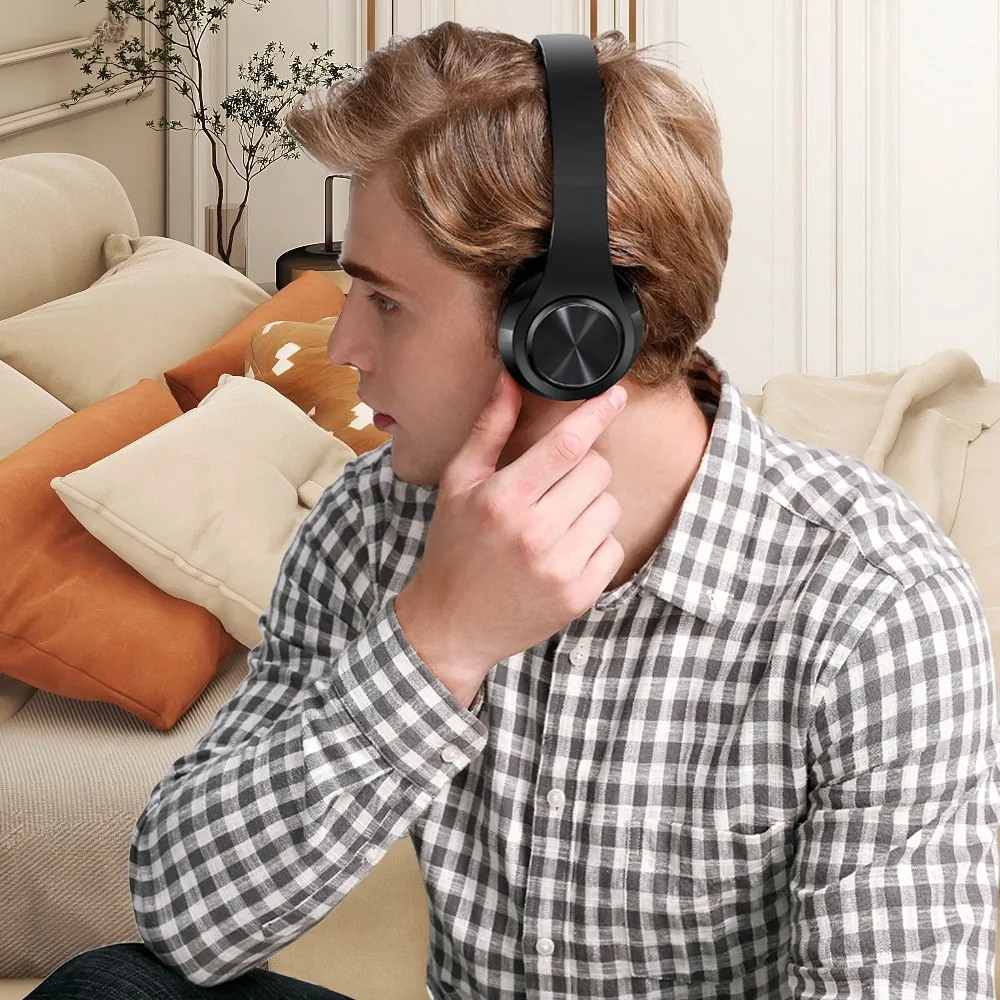
6. Good quality, foldable design and adjustable length hinges, very comfortable to wear and easy to carry.
Specification:
1>Bluetooth Version: V5.3
2>Frequency:2.40Ghz-2.48Ghz
3>Power: ≤ 4 dBm, class 2
4>Effective range: 10 meters
5>Frequency response: 20 Hz - 20 KHz
6>Bluetooth mode support:A2DP 1.2, AVRCP 1.0, HSP, HSF 1.5
7>Voltage:3.7VDC (built-in 400MAH rechargeable battery)
8>S/N rate: 70 dB
9>Play time: 20Hours, Charge time: 2.5Hours, Standby time: 360Hours
10> Charge port: mini 5-pin USB charging interface
11>operate temperature:-4 ~ +131°F(-20 ~ +55°C)
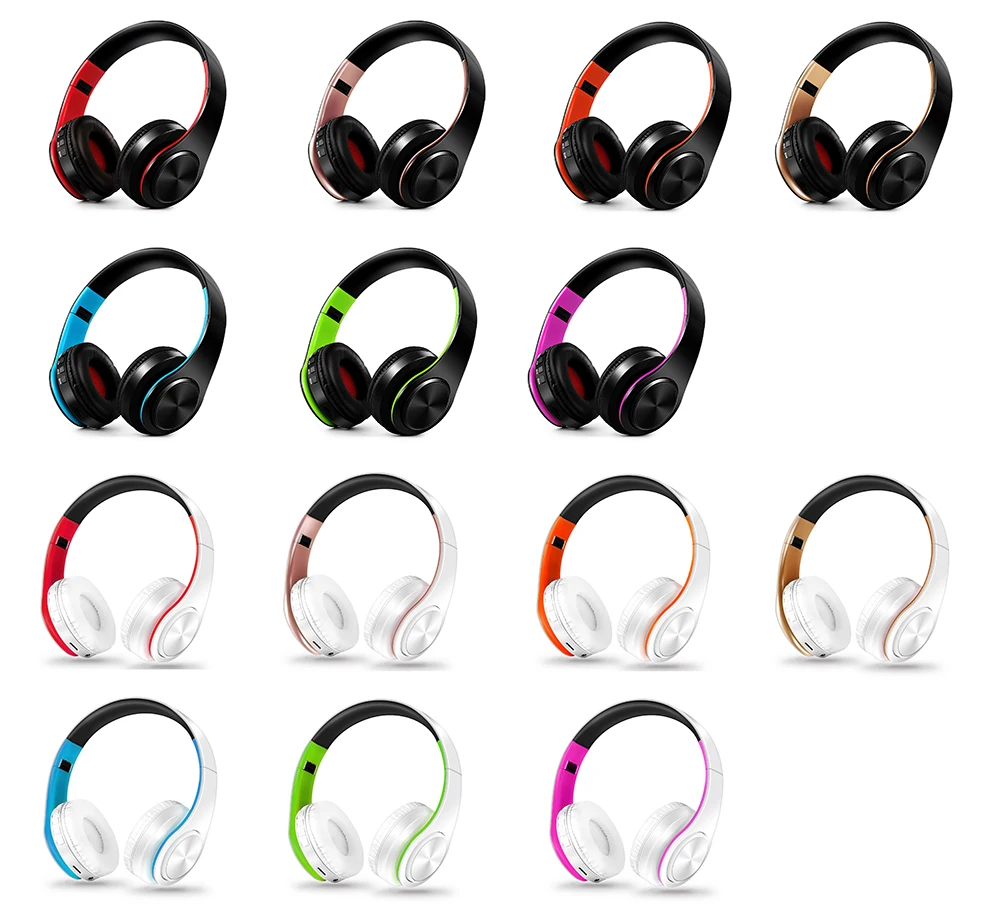
A Variety of Colors Choices:
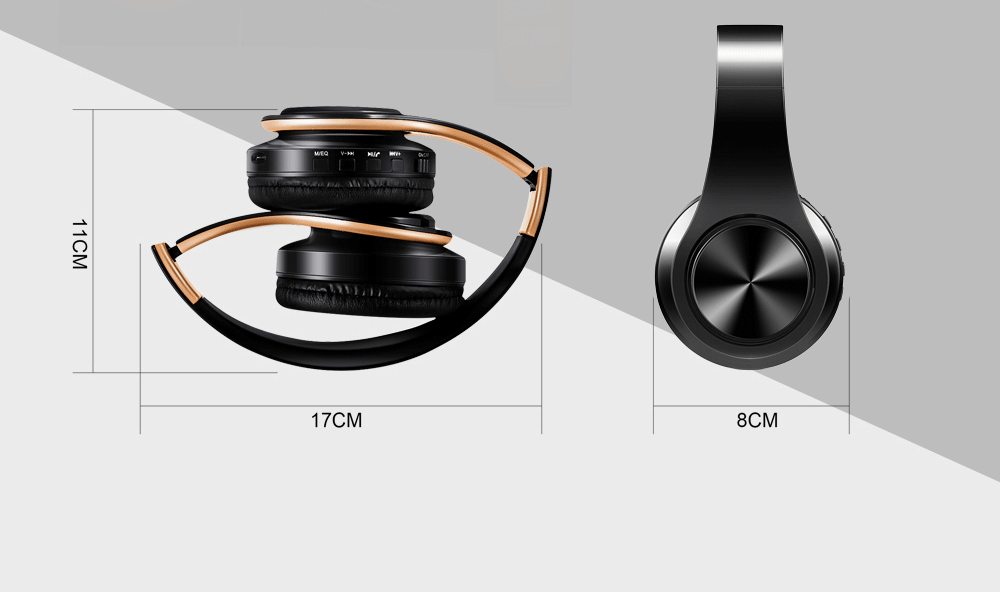
Dimensions : Foldable Design for easy carry
F.A.Q.
1.How to charge this headset?
Connect your computer and headphone with the USB cable.
2.How to start the headset and listen the music on the computer?
Please be sure your computer have a bluetooth function and turn on the bluetooth, then press headphone's ON/OFF key and you will see the blue light blinking and get ready to pair, search and pair until connected. Use your computer to start music and enjoy it with the headset.
3. How to operate the bluetooth headphone with mobile phone?
a.Turn on bluetooth on mobile phone,press headphone's ON/OFF key and you will see the blue light blinking and get ready to pair, search and pair until connected.
b. If someone call you, you just need press the Hang up/Pause button, and you can chat with your friend on the phone. Finished your talking, you just need press the Hang up/Pause button, and you can continue your music.
4.How to use the FM function?
Just press the MEQ button on the headset it will change to FM mode, press the "PAUSE" button to scan radio automatically, and short press "Volume+" and "Volume-" to choose scanned radio.
5.How to use the MP3 function?
Just insert the TF card into the slot, music will play directly.(we don't provide TF card)
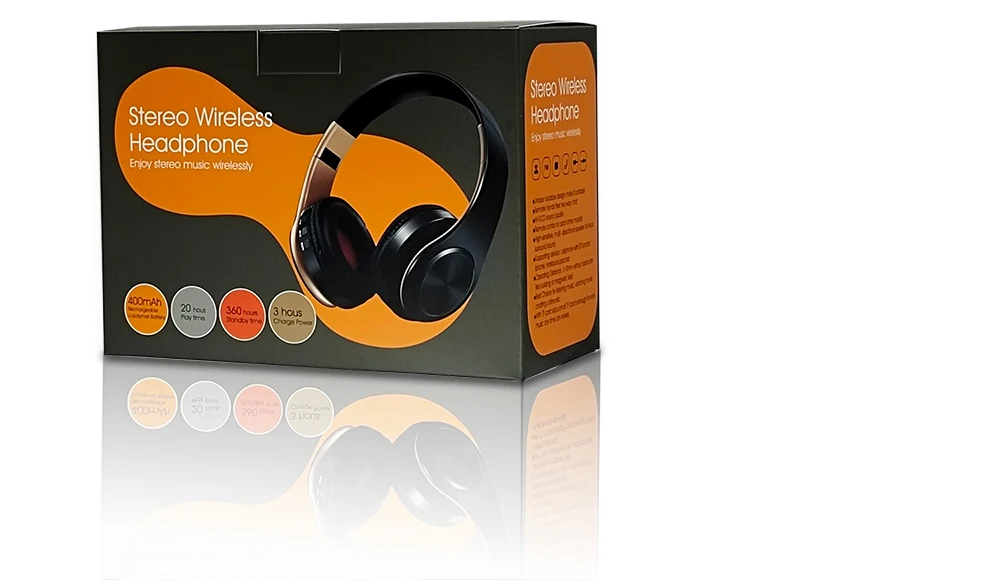
Exquisite Gift Box Package:
1 x the colorful bluetooth headset (Color selected)
1 x micro USB charge cable
1 x instruction guide